Reptile Categories
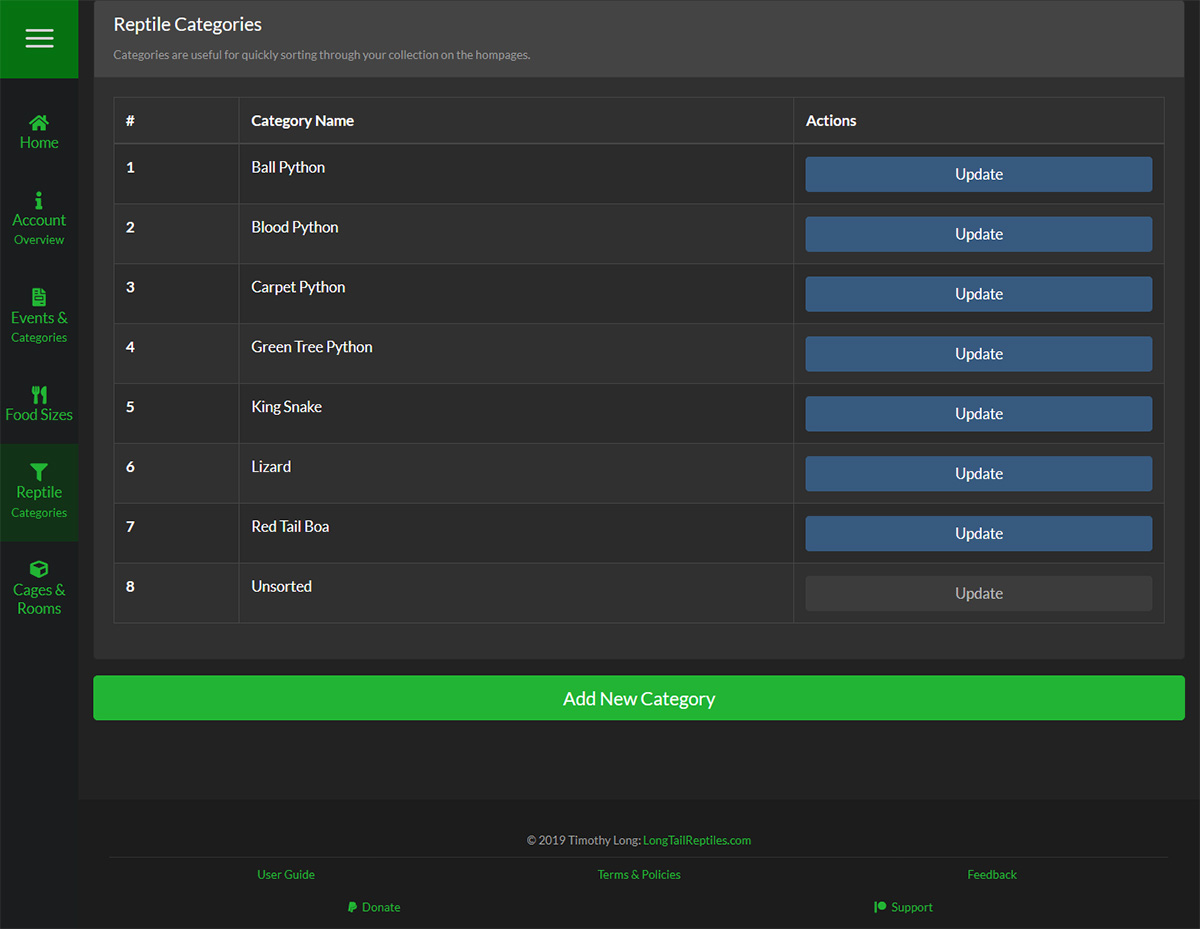
Overview
Each Reptile Category is represented on as a row on the table and is sorted alphabetically.
Adding New Reptile Categories
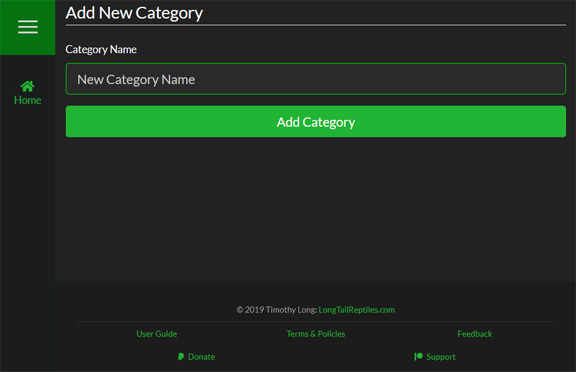 To add a new Reptile Category, simply click the "Add New Reptile Category" button at the bottom of the page and then enter the name of the Reptile Category you want to add.
Updating Reptile Categories
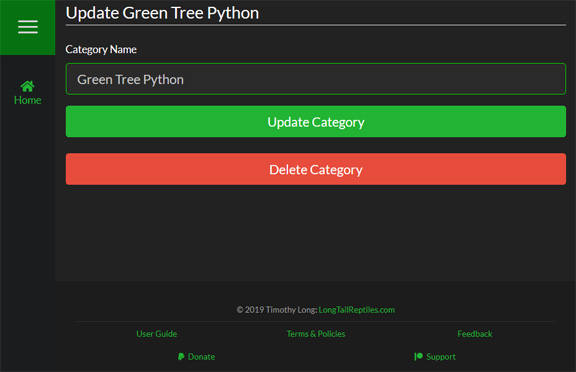 To update a Reptile Category, click on the "Update" button for the one you would like to change.
Deleting Reptile Categories
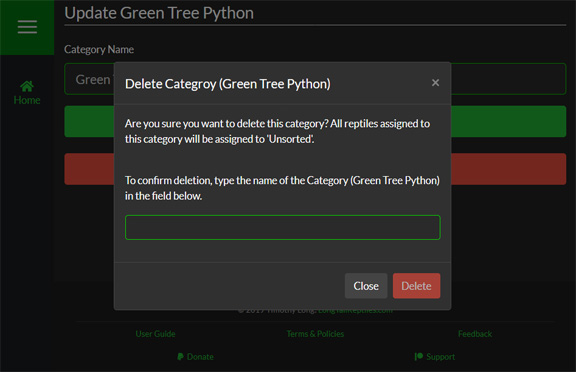 If you decide that you want to delete the Reptile Category, simply quick the "Delete Reptile Category" button, and you will be prompted with a confirmation window. To ensure that no Reptile Category is delete by accident, you are required to type the name into the text field in the pop-up to enable to delete button.
Deleting a Reptile Category will move any reptile in the category to Unsorted
Danger
Deleting a Reptile Category is a permanent action that cannot be undone under any circumstances.