Updating Photos
Overview
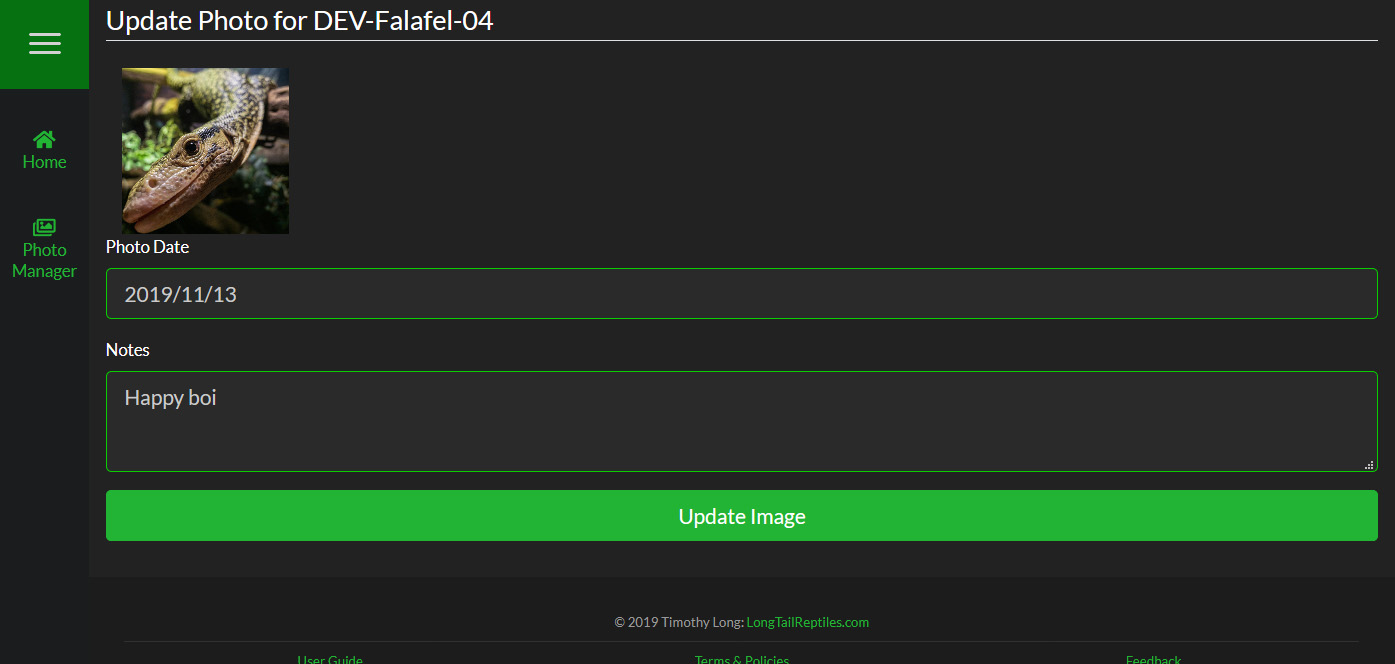
To update a photo, simply click "Update Info" under the photo in the Photo Manager. Here you can modify the date and notes for the photo.
You cannot change the photo when updating information.
To update a photo, simply click "Update Info" under the photo in the Photo Manager. Here you can modify the date and notes for the photo.
You cannot change the photo when updating information.